Community
MODDING
Each of our projects have a Gamebanana page, where our fans (maybe even you viewing this site!) make their own creations with our projects. You can check out some of the featured and most recently uploaded mods for our projects here! Maybe even try your hand at uploading your own mod!
Please be mindful of GameBanana's rules when submitting mods. Be aware that Team Forever is not involved in running the GameBanana page, so if you have any issues on the page please contact the page managers or GameBanana staff.
FEATURED ON GAMEBANANA!
Click on the image to view on GameBanana
WHAT'S NEW ON GAMEBANANA?
Click on the image to view on GameBanana
SPEEDRUNNING
Do you like to go fast? Both Sonic Forever and Sonic 2 Absolute have leaderboards on speedrun.com. Find them here:



Controller bindings can be changed in the settings.ini file that generates when you first start the game.
By default, PlayStation and Xbox controllers are supported, while keyboard uses ASD for jumping, W for turning super, the arrow keys for movement and Enter for the start button.
If you wish to change the keyboard bindings, you can refer to this table for button values.
If you're using a controller that does not work with the default bindings, it can sadly come down to trial and error. Presets are available below for some of the more popular controllers. You can access a tool to test your button mappings by holding the down button for three seconds on the SEGA screen (directional buttons are normally mapped correctly).
If you have mapped a controller that doesn't appear below, please let us know so we can add it as a preset.
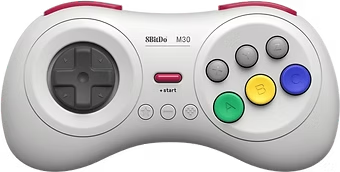
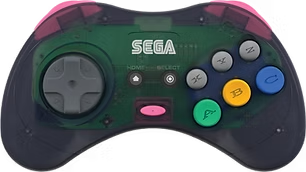
8BitDo M30 Gamepad